




Tap2Local
Your Business Going Places?
Take Payments There.
Now with Tap2Local™ taking payments anywhere
gives your business and your reputation legs.
Store Front? Keep Tap2Local™ in Your Back Pocket.
Accept payments on your phone.
No hardware required.
Now you can take payments on the spot, wherever you work. Transform your Apple or Android smartphone into a secure and affordable payments terminal with Tap2Local™, a payment solution directly within our Heritage Valley mobile banking platform. Now your business can accept in-person and remote payments using smartphones, payment links, and QR codes with no extra hardware required.
Designed for businesses on the go, Tap2Local makes it easy to meet your customers wherever sales happen, accepting payments with only your phone and mobile app. Whether you’re at a storefront, event, job site, or market, Tap2Local helps you get paid quickly and securely with
zero hardware costs and no monthly fees.
Tap. Get Paid. Repeat.
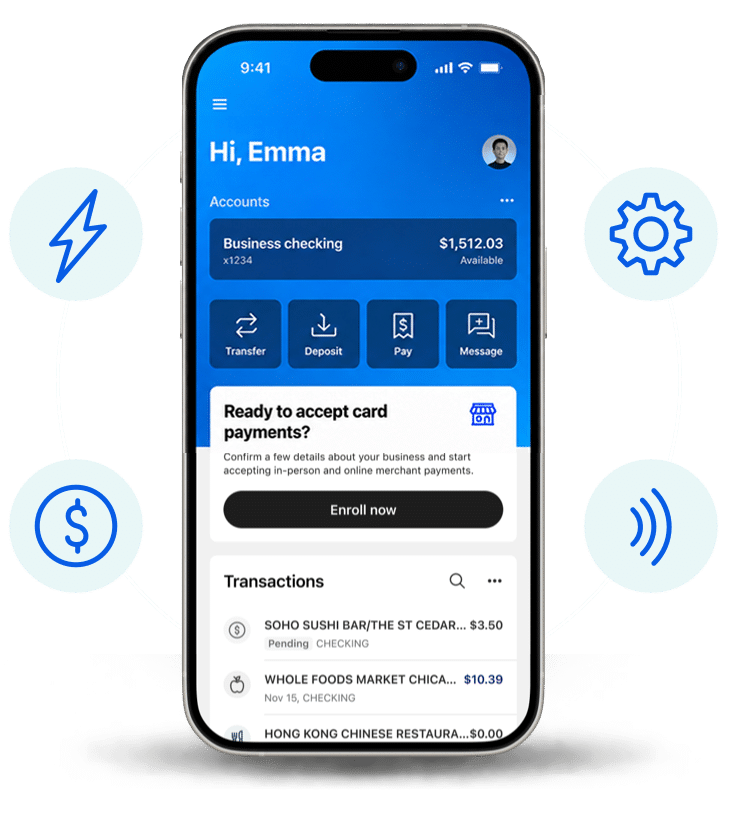
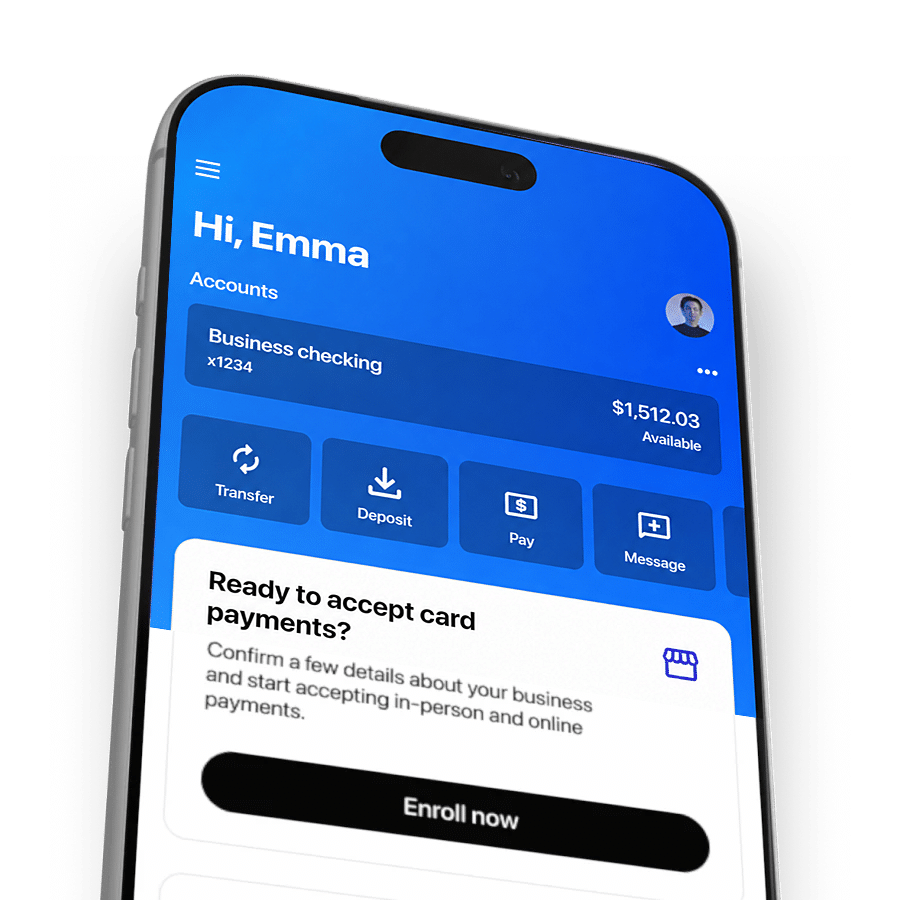
With Heritage Valley’s Tap2Local, your banking app is the point of sale for your business. Log into mobile or online banking and tap the prompt “Ready to accept card payments?” to get started. In just a few steps, you can
activate card acceptance and start taking payments on the spot whether your customer is standing in front of
you or paying later from a link.
Enroll your business today inside mobile banking and start accepting payments effortlessly!
Simpler Sales, Faster Paydays
Built to simplify sales, not add to your to do list.
Whether you’re completing a job on-site, selling at a weekend pop-up, or managing invoices from your desk, Tap2Local keeps your sales moving forward wherever your day takes you.
At Markets or Events
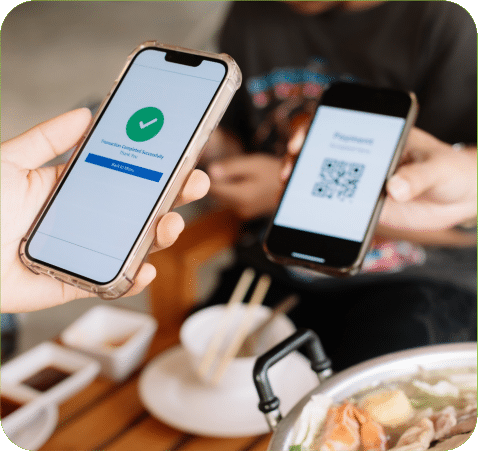
Display a QR code when you need a simple way to collect payment on the spot for quick, in-person customer payments
Online
Generate and send a secure payment link
for invoices, appointments, deliveries, and remote sales or transactions
On the Job
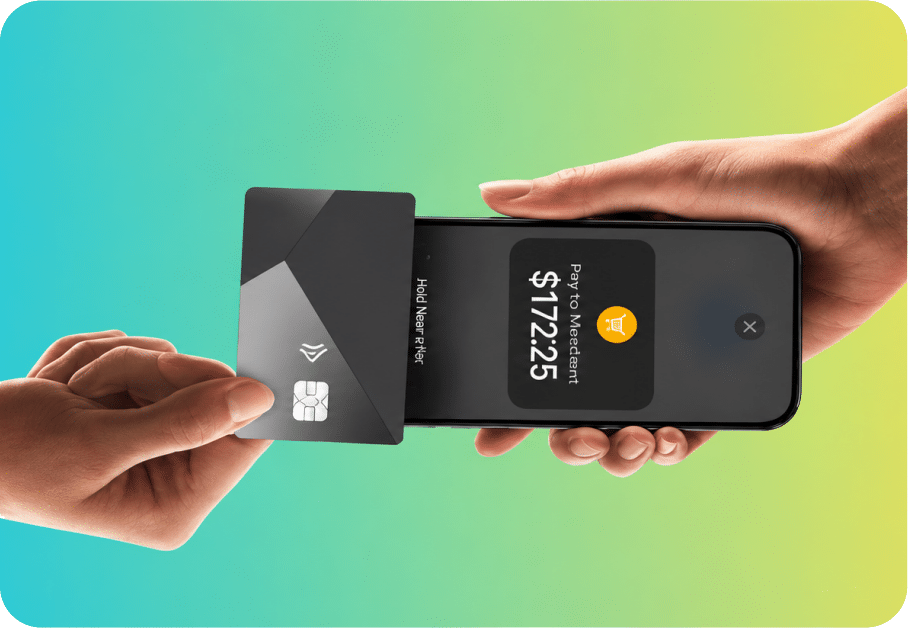
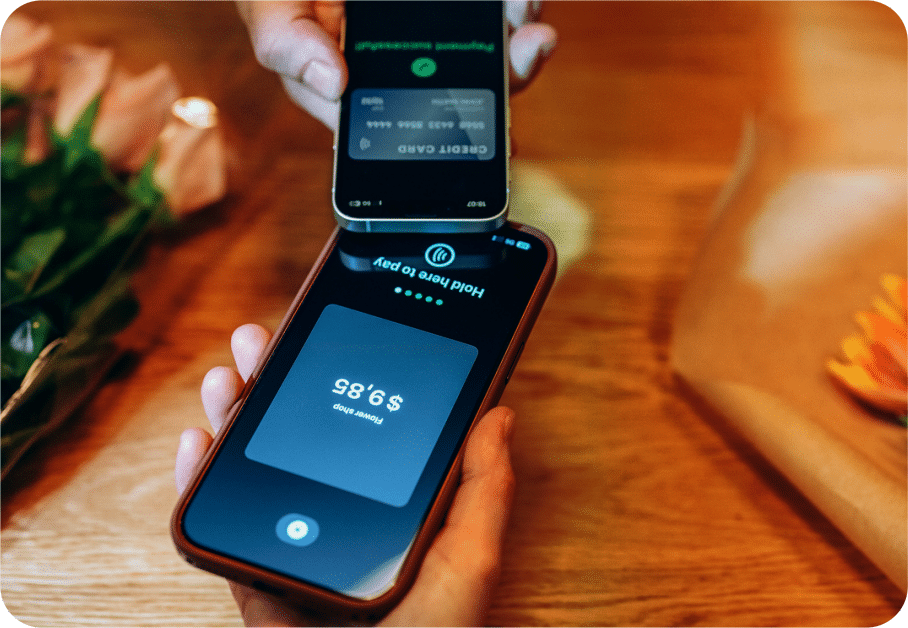
Customers tap their contactless card or phone against yours when they’re ready to check out. With Card Tap, accept tap-to-pay from physical and virtual cards.
After the Sale
Review payment activity and settlement details in the same payment experience right inside your mobile banking app.
Tap2Local Is Built For The Way Local Business Actually Works
Built for solopreneurs, trades, and growing teams who want to get paid on the spot and spend less time managing invoices.
No More Turning Down Payments
Accept payments wherever business happens – at the job site, at the counter, through a quick text link, or directly on an invoice.
No More Waiting Days for Cash Flow
Access your sales in your primary checking account by the next business day so you can pay your crew, re-stock supplies, or handle surprise costs.
No More Extra Hardware
Skip charging external dongles, buying clunky card readers, or carrying bulk equipment on the job.
No More Manual Bookkeeping
Connect directly with tools like QuickBooks®, Autobooks™ , and Xero™ to keep your books reconciled automatically without typing in transactions by hand.
No More Monthly App Subscriptions
Enable Tap2Local in your mobile banking app for free, with zero monthly platform fees, surprise charges, or equipment rentals
No More Faceless Chat Bots
Get the local, personal support from your local credit union – with a payment setup that’s fast and simple for your customers.
No More Overhauling Your Setup
You don’t have to move your whole business to another tool. Think of Tap2Local as an extra option that lives on your phone, right inside your banking app.
Tap2Local FAQs
Why are small business owners taking a closer look at Tap2Local?
For many small business owners, getting paid doesn’t happen behind a desk. It happens in driveways, job sites, farmers markets, community events, customer homes, and wherever business takes them throughout the day. Traditional payment systems weren’t built for that kind of flexibility and many businesses still rely on cash, checks, separate card readers, or manual invoicing after the work is complete. The result is often slower payments and more administrative work.
Since Tap2Local is integrated with Heritage Valley business banking and our mobile banking app, our small business members can accept payments from their smart phones with the funds deposited directly into their business checking account. That means you get paid faster and easier.
What types of payments can I accept?
You can accept all major forms of payment, including credit cards and mobile wallets like Apple Pay® and Google Pay.
How do I enroll in Tap2Local?
Heritage Valley business account holders can enroll directly through their Heritage Valley mobile banking app. Open your app and look for “Ready to accept card payments?” If you don’t have a business account with us, we’re happy to help. Just give us a call or schedule an appointment, and we’ll walk you through everything. Here are ways to contact us >
links to: https://heritagevalleyfcu.org/contact-us/
How do I accept payments in Tap2Local?
Tap to Pay
To accept a card-present payment:
- Open the Tap2Local feature in the Heritage Valley mobile banking app.
- Enter the payment amount, add a description, and tap Continue.
- Select Tap to Pay on iPhone/Tap to Pay on Android to receive payment in person.
- Have the customer tap their physical or mobile card on your compatible smartphone device.
- A payment complete screen appears once the payment has processed successfully.
Tap Email receipt if the customer wishes to receive a receipt for the transaction.
Payment Link
To facilitate online or remote payment:
- Open the Tap2Local feature in the Heritage Valley mobile banking app.
- Enter the payment amount, add a description, and tap Continue.
- Select Payment link to share an online payment link the customer can use to make
their payment online. - Send the link to your customer (via email, text, etc.) to complete the online payment.
QR Code
To accept a payment using a QR code:
- Open the Tap2Local feature in the Heritage Valley mobile banking app.
- Enter the payment amount, add a description, and tap Continue.
- Select QR code to generate a shareable QR code the customer can use to make their payment.
- The customer can scan the code (either in-person or from an online display) to
instantly complete their payment.
Do I need extra hardware?
No, Tap2Local requires zero extra hardware. Your smartphone handles everything so you can accept contactless payments on the spot.
What makes Tap2Local different from a typical payment app?
Tap2Local is built directly into your trusted Heritage Valley mobile banking app and we provide the support you need, rather than leaving you stranded with an isolated app or a chatbox.
Are there monthly app fees or equipment leases?
Tap2Local has no hardware costs, setup fees, or monthly subscription fees through your banking app – you only pay standard card processing fees per transaction. Also, Tap2Local processing rates are frequently lower than Square® and other third-party payment tools.
How fast can I access funds?
Your funds settle directly into your account by the next business day, giving you fast access to your cash flow. Because of our Rapid Transfers™, you can move funds in near-real-time between accounts or wallets, keeping operations agile and cash flow strong.
How secure is Tap2Local?
Tap2Local uses secure payment technology and built-in fraud monitoring to help protect your business and your customers.
Can I use Tap2Local anywhere?
Yes. Tap2Local allows you to accept payments wherever you do business, whether you’re in-store, on-site, or on the go.
What types of businesses is Tap2Local most valuable for?
There are a wide variety of businesses that can benefit from a service like Tap2Local. If you meet customers face-to-face, work in the field, attend events, fairs or markets, collect payment immediately after services or delivered or want to eliminate payment hardware, Tap2Local is perfect for you. Common examples include contractors, electricians, landscapers, hairdressers, food vendors, personal trainers, consultants, nonprofits, home service businesses or event vendors.
Do my customers need to download anything?
No. Your customers can simply tap their card or device to pay. No apps required.
Can Tap2Local integrate with my current accounting software?
Keep your books organized with less effort with automatic payment syncing to popular accounting software like Autobooks, QuickBooks® and Xero™. Transactions, refunds, and chargebacks are automatically recorded to help simplify reconciliation. Tap2Local also creates and sends digital invoices, and for businesses with recurring customers, it helps to streamline repeat payment collection while keeping payment activity organized in one place. If you’re a small business owner without accounting or operations teams, this ease of use can be just as valuable as the payment capabilities themselves.
Is Tap2Local better than traditional invoicing?
It can be because not every customer relationship requires an invoice. Sometimes the best payment process is the simplest one. If your business typically collects payment at the time a service is performed, Tap2Local allows customers to pay immediately using contactless cards, mobile walls, payment links or QR codes. That means fewer outstanding invoices, less time spent tracking payments, and fewer access to working capital. For businesses that depend on immediate payment, reducing those extra steps can make a meaningful difference in both cash flow and efficiency.
How can I view my Tap2Local transaction history?
The merchant overview feature provides a real-time snapshot of your business activity. To review transactions:
- Go to the Heritage Valley mobile banking app menu and tap Merchant.
- The merchant overview allows you to view revenue, review a detailed history of all
transactions processed, and initiate a new payment transaction. - To review a specific transaction, locate it in the history and tap it to open the Payment detail.
Do I need a Heritage Valley business account to enroll?
Yes. An active Heritage Valley business checking account is required to activate Tap2Local.
How do I get started?
Businesses can get started quickly without purchasing dedicated payment terminals or learning complicated software and enrolling is quick and easy. Just follow the guided setup in your mobile banking app, confirm a few business details, choose which checking account receives deposits, and accept the merchant terms. Once approved, the mobile banking app transforms your smartphone into a contactless Point-of-Sale (POS) device, allowing you to immediately start accepting payments from major debit and credit card networks, Apple Pay, Google Pay, and more.
