FRAUD ALERT TIP: We will never call, email or text to ask you for personal information or to click a link. This is a common tactic used by identity thieves.
Mobile & Online Banking
That’s My App!
As rated by our members, download the Heritage Valley Mobile App with 4.9 out of 5 stars in the Google Play Store and 4.8 out of 5 stars in the App Store!
Get The Mobile Banking App For Members Only
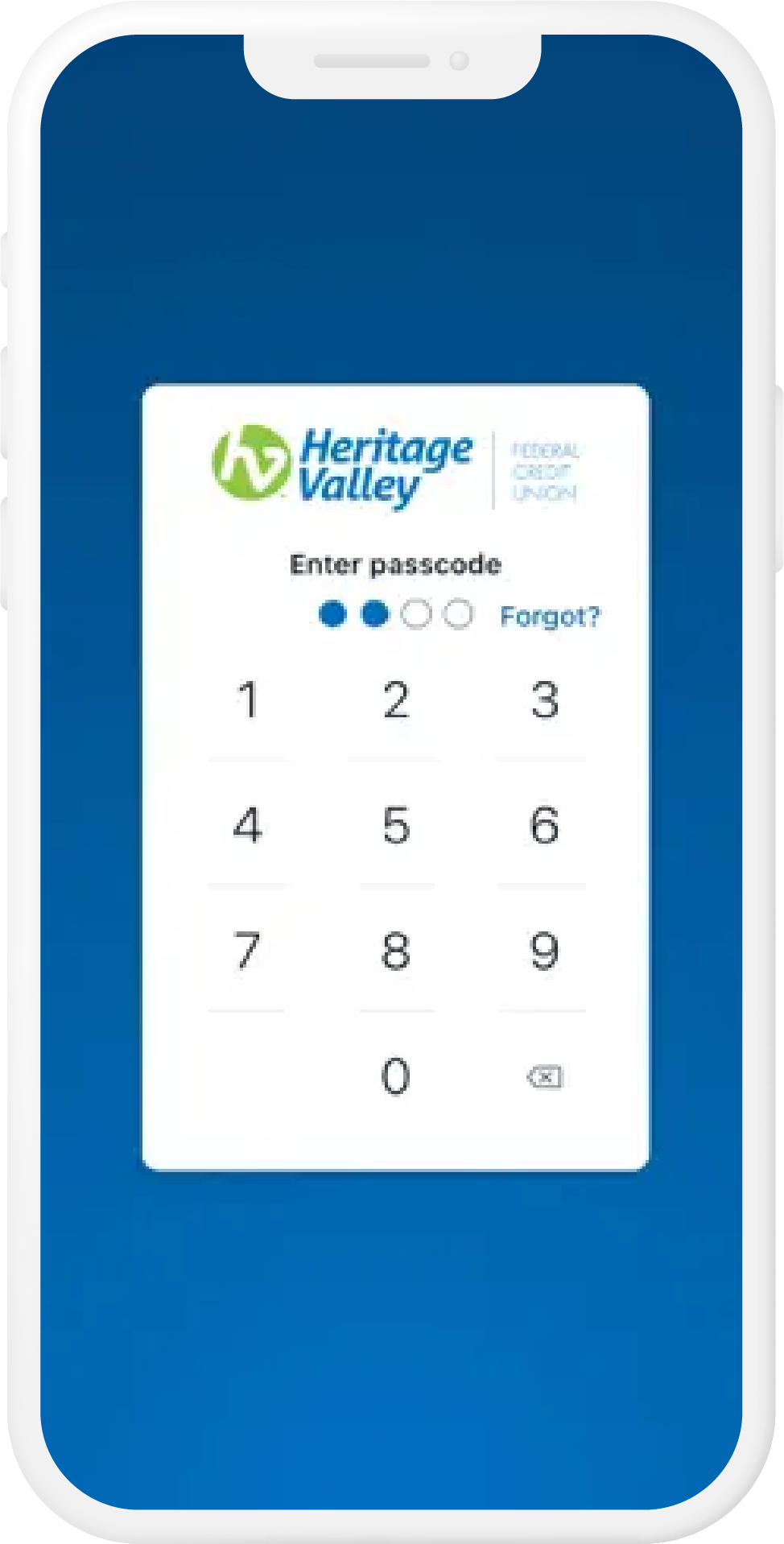
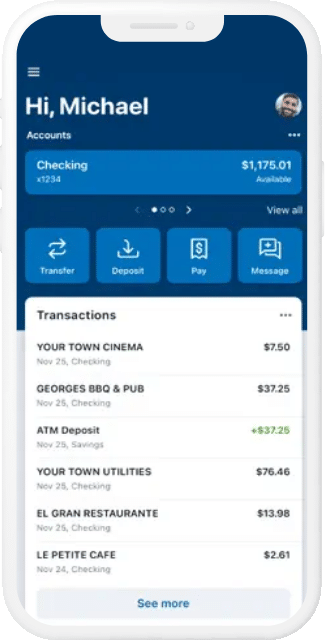
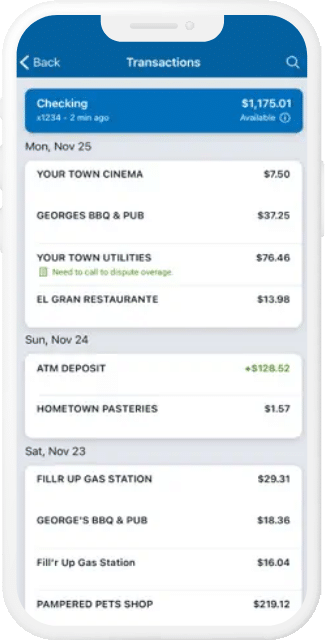
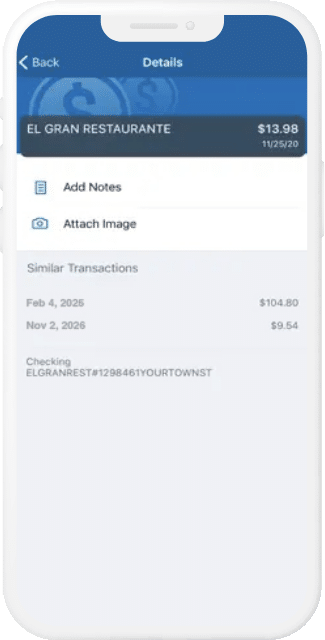
Being a Heritage Valley member has its perks. One is a best-in-class Mobile App that syncs seamlessly with Online Banking. Bank on the couch, on the porch or at your favorite coffee shop. Heritage Valley’s Mobile Banking gets our members out of the line and banking in their favorite spot with the latest functionality, robust features and enhanced security. Check balances and transactions, transfer funds, pay bills, manage debit cards and more on your own time.
Get the app today that’s a convenient and safe way to manage your money.
Take Control of your
Financial Journey
What if you could stay on top of your credit score, your identity and privacy and subscriptions all in one place? At Heritage Valley, we know it’s challenging to manage your financial life through dozens of apps. That’s why we launched Heritage Protection Hub – at no cost to you for basic features.
Subscription Manager: Have you checked in on your subscriptions lately? Access a consolidated view to see where your dollars are going and those that should be cancelled.
My Credit Manager: Your credit score is a key part of your financial health. Check out your VantageScore® today!
Identity Protect: Scan the dark web for fraudulent use of your personal information including name, address, email and more!
Personal Info Protection: Scan your name in real time to see how much of your private information has been exposed on Data Broker sites
Get started today! Simply log into Online Banking or your Mobile App and go to the main dashboard to access Heritage Protection Hub.
Rapid Transfers
Move Funds Instantly with Rapid Transfers.
Now you can move money between banks faster! Rapid Transfers in your mobile app allows you to make “near-instant” debit card-based transfers between your Heritage Valley accounts and your other external bank accounts or mobile wallets. Now when you need to move money to cover an unexpected expense or access funds while traveling, just select “Transfer” in mobile or online banking and select between rapid and standard transfer.
Move money 24/7 even on nights, weekends and holidays.
No need to enter your account and routing numbers.
Eligible debit cards include VISA® and MasterCard®.
You can rest assured that advanced security features are built into every step.
A minimal fee may apply when moving money with Rapid Transfers.
For internal transfers, use the App’s Standard Transfer feature for same day processing. In all other cases, transfers may take 1 – 3 business days.
Fund availability may vary depending on the receiving financial institution.
Mobile Wallet
Tap To Pay with Your Mobile Wallet.
Add your Heritage Valley debit and credit cards to your phone’s digital wallet and enjoy quick, secure contactless payments. With your card stored securely on your smartphone, smartwatch, or tablet, you can effortlessly pay for things when you’re out and about without having to pull out your debit card.
Set up your cards in Apple Pay®, Samsung Pay®, or Google Wallet.
Use for quick online and in-store (Tap-to-Pay) purchases.
Your card number is never transferred to the merchant.
Extra layers of security make it more difficult for retailers to determine specifics about your shopping habits
Look for the Contactless Symbol on the terminal at checkout
Hold your phone or device over the symbol to pay
Digital Investing
Your Start In Investing Happens Here!
Have you been wanting to invest in stocks and exchange traded funds (ETFs) but didn’t know where to start? With the new Investing from Online Banking feature, you can start investing directly from your checking or savings account with as little as $1.
Just log into your Personal Investment Portal inside Online Banking and get started today.
Account Alerts
It’s Easy to Stay Connected to Your Accounts
Get important account activity on the go, without logging in. Heritage Valley offers account alerts sent directly to your mobile device, or the device of your choosing, to let you know when your balance gets too low, a check clears, a deposit has posted and more.
Set up balance or transactions alerts today in your Mobile App or Online Banking.
Mobile Deposit
Pushed For Time? Pull Out Your Phone.
With Mobile Deposit, you can leave the car keys in your pocket and pull out your smart phone instead. Snap a picture of the front and back of your check, and make the deposit using only your phone.
You’ll receive confirmation your deposit has been securely submitted.
Free Bill Payer
Pay Bills Online Or Through Your Mobile App
Our Bill Pay service comes free with your Online Banking account. It’s an easy to use, hassle-free method for paying and receiving bills online. Payments are conveniently made from the Heritage Valley account of your choice using online banking or your mobile banking app.
Once enrolled in Online Banking, you can access Bill Pay on the mobile app.
If you receive a password‑change notification you didn’t request, treat it as suspicious. It could mean someone is trying to access your account or that the message is a phishing scam. Do not click any links or reply. Contact us directly using our official website (www.heritagevalleyfcu.org) or phone number (717-840-4981) to verify.
You’re leaving HeritageValleyFCU.org to visit an external website or app.
Heritage Valley Federal Credit Union provides links to other websites or apps for your convenience and does not control the content, services or products provided on the linked website or app, whose Privacy and Security policies or procedures may differ. Consult the policies or disclosures on their website.